
🚀 K-Tec Update Disable – Take Full Control of Windows 10 & 11 Updates
Windows 10 and Windows 11 deliver powerful features, performance improvements, and security updates. However, for many users—especially developers, gamers, IT professionals, and system administrators—automatic Windows Updates can become a major disruption.
Unexpected restarts, background downloads, and forced updates can interrupt critical work and reduce system performance.
That’s where K-Tec Update Disable comes in.
A lightweight, powerful Windows utility designed to give you full control over Windows Update behavior—safely, quickly, and effectively.
🛡️ What is K-Tec Update Disable?
K-Tec Update Disable is a professional Windows utility that allows users to manage, pause, or completely disable Windows Updates on Windows 10 and Windows 11 systems.
It is designed for users who need stability, performance control, and uninterrupted workflow.
Whether you’re gaming, working on production systems, or managing enterprise machines, this tool ensures Windows updates never interfere again.
⚙️ Key Features of K-Tec Update Disable
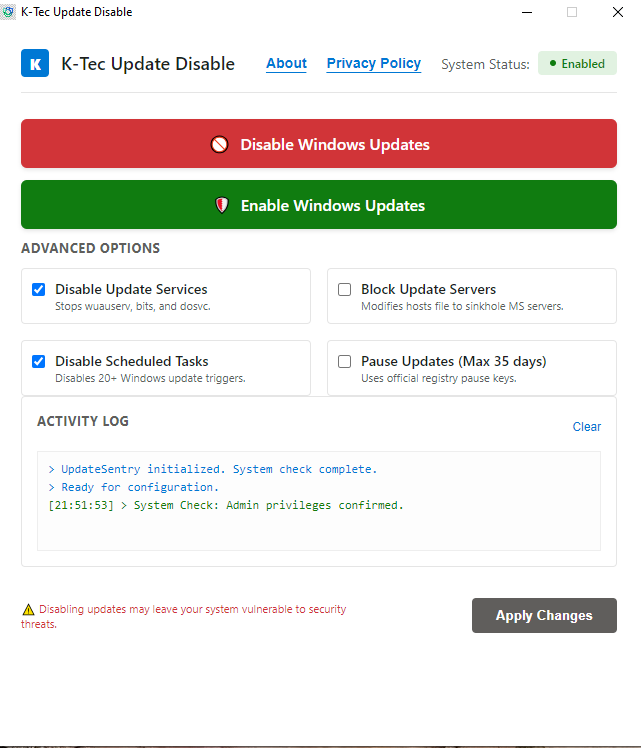
🔹 One-Click Windows Update Control
Enable or disable Windows Updates instantly with a single click.
🔹 Advanced Service Management
Stops and manages critical update services including:
- Windows Update (
wuauserv) - Background Intelligent Transfer Service (BITS)
- Delivery Optimization
🔹 Registry & Group Policy Protection
Automatically applies system-level configurations to prevent Windows from re-enabling updates without user permission.
🔹 Microsoft Update Blocking
Optional host-level protection to restrict Windows update servers and reduce unwanted background traffic.
🔹 Real-Time Activity Logging
Monitor every system change in real-time with a transparent activity log for full user control.
💻 Built for Performance & Professionals
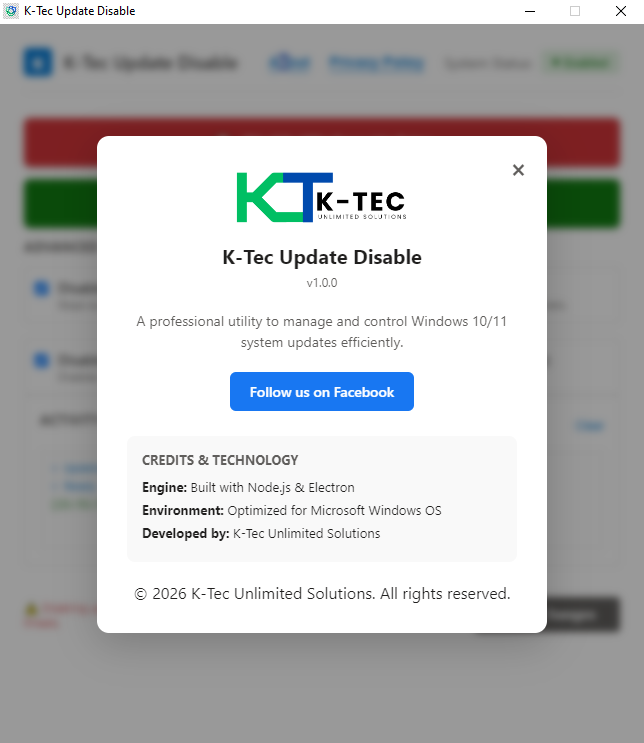
K-Tec Update Disable is engineered with a hybrid high-performance architecture:
- 🖥️ Frontend: Modern Electron.js interface with a clean Windows 11 Fluent UI style
- ⚙️ Backend: Powerful C# core engine for safe and precise system-level operations
This combination ensures a smooth, fast, and professional experience for all users.
🔒 Privacy & Security Focused
K-Tec Update Disable is built with a strict privacy-first approach:
- ❌ No telemetry or data collection
- ❌ No background tracking
- ✅ 100% local system operation
- 🔄 Fully reversible changes with one click restore
You always stay in control of your system.
🔄 Easy Restore Anytime
Need Windows Updates again?
Simply click “Enable Windows Updates” and the tool will instantly restore default Windows settings without affecting system stability.
K-Tec Update Disable is available as a portable standalone executable.
🚀 Download & Get Started
✔ No installation required
✔ Run as Administrator
✔ Instant control over Windows Updates
🔗 Connect With Us
👉 Facebook Page: K-Tec Unlimited Solutions
https://www.facebook.com/ktecsl
⭐ Final Thoughts
Take full control of your Windows system and eliminate unwanted interruptions.
K-Tec Update Disable gives you the power to decide when and how updates happen—keeping your workflow smooth, stable, and uninterrupted.

Download ZIP





Leave a Reply